![Audere_Logo_White_RGB_TM.png]](https://support.audere.com/hs-fs/hubfs/Audere_Logo_White_RGB_TM.png?height=32&name=Audere_Logo_White_RGB_TM.png)
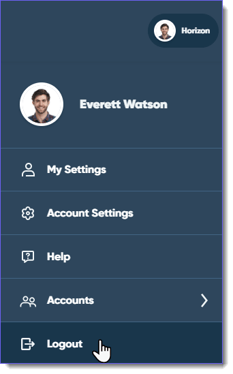
Select your Profile icon in the upper-right corner of the page, and then select Logout from the drop-down menu.
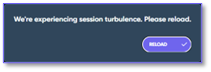
- If you have multiple instances of Audere open in your browser, a notification displays on the other tabs when you sign out or change tenants.
You are logged out and returned to the Sign In page.
Note: To protect your account, Audere automatically logs you out after (2) two hours of inactivity.
See Also:
Adjusting Your Security Settings